
Promotions
Turn an upcoming event into a card people notice, with current dates and an optional QR code to sign up.
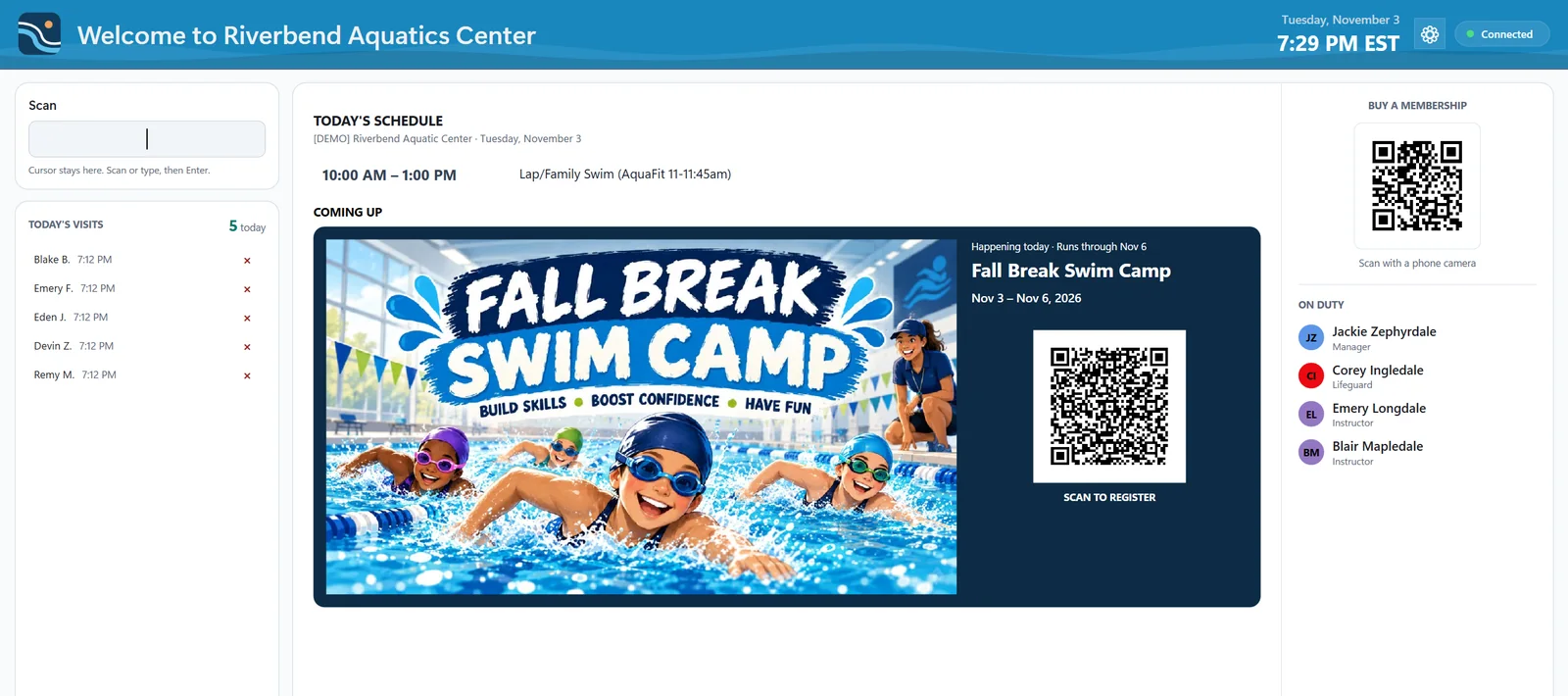
Feature overview
Promotions is implemented and in pilot review. It starts from an event you already have and turns it into a card. Add a headline, hours, price, ages and a short note, pick a color or upload your own artwork, and watch the preview as you go. You can pause a promotion or remove it at any time.
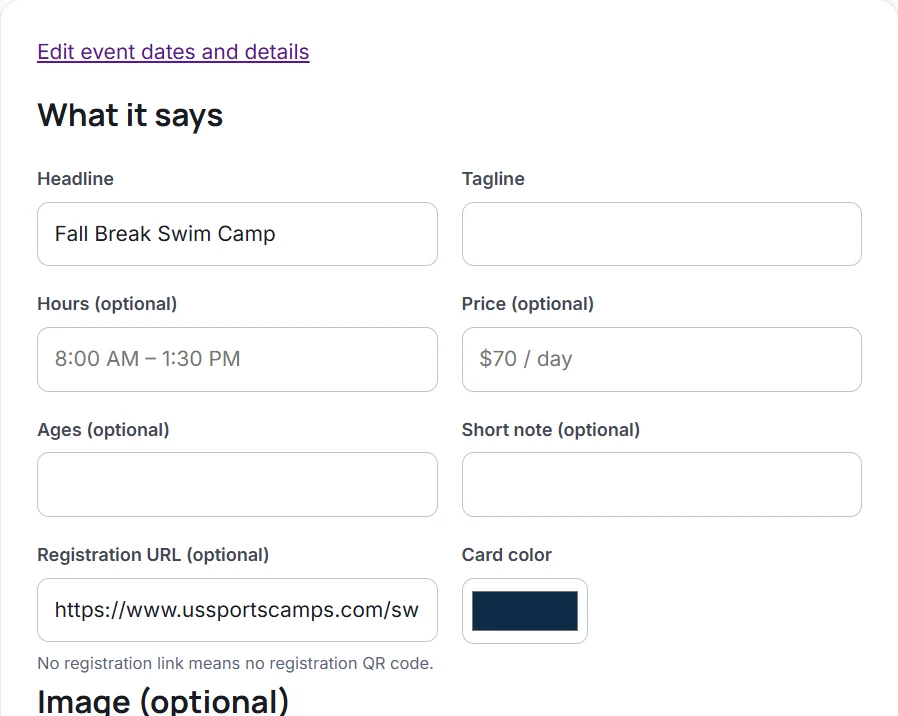
Edit the words. Keep the dates current.
Add a headline, tagline, hours, price, ages and a short note. The card already shows the event's current dates, so if the event moves, the promotion moves with it. Add a registration link and the card shows a Scan to register code; with no link, there is no code.
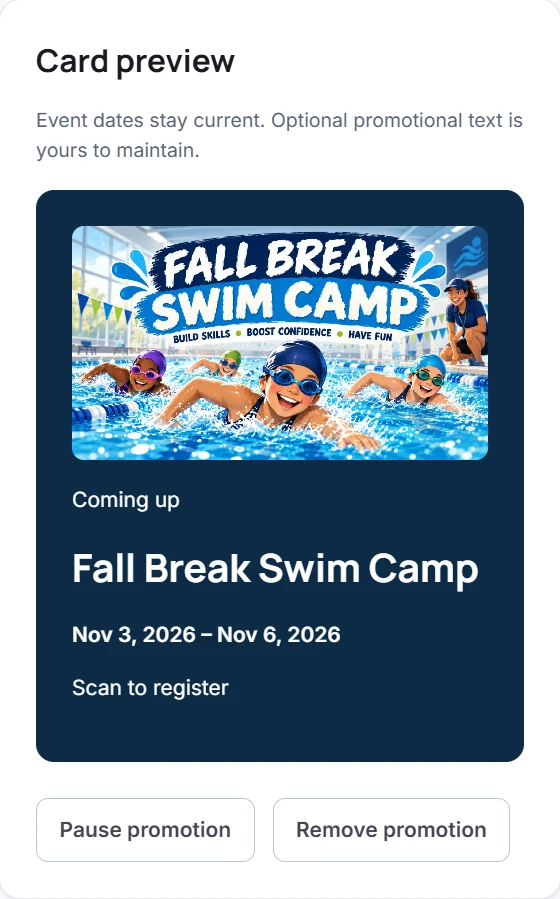
Preview the finished card.
Upload a PNG or JPEG up to 15 MB and see the result before it goes live. NatareOps keeps the event dates current, warns when artwork may look soft on a larger screen, and adds a registration prompt when the event has a link.
Preview the next camp, clinic or class.
See how your own events could look as promotion cards.